
By TheHurrican Tech Desk | Updated September 20, 2026
Quick Steps: Connecting an Apple Pencil
- Turn on Bluetooth in Settings > Bluetooth.
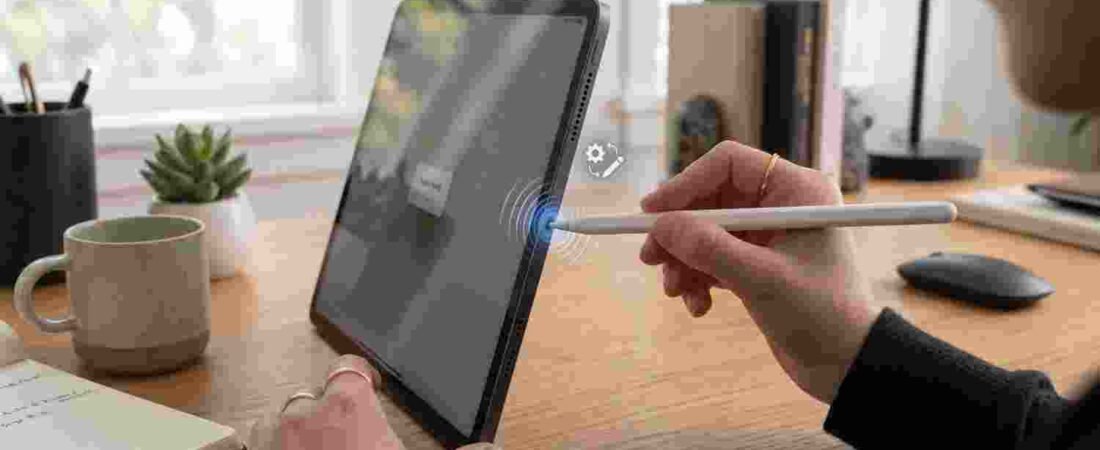
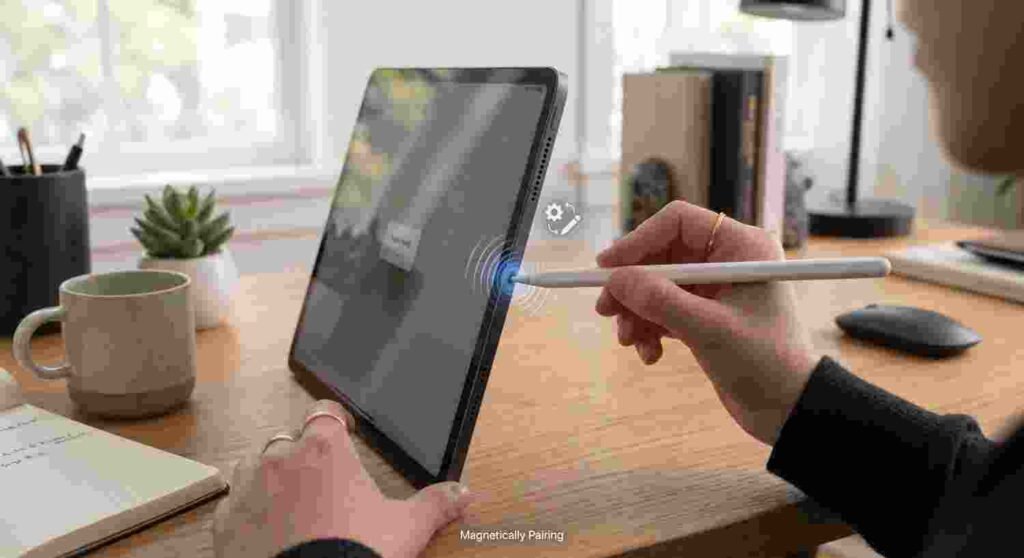
- For Apple Pencil Pro or 2nd generation: snap the flat side to the magnetic connector on the long edge of your iPad.
- For Apple Pencil (USB-C): slide the end cap open and connect it to your iPad using a USB-C cable.
- For Apple Pencil (1st generation): remove the cap and plug it directly into the Lightning port, or use the USB-C to Apple Pencil Adapter on a USB-C iPad.
- Tap Pair when the on-screen card appears.
Full breakdown, compatibility stuff, and what to do when none of this works, below.
Honestly, Apple’s got four different Pencils on sale right now at the same time, and that’s really where most people get tripped up. They don’t all connect the same way — not even close — and pairing the wrong Pencil with the wrong iPad doesn’t throw an error or anything helpful like that. It just… doesn’t work. Silently. Which makes it look exactly like a broken Pencil or a dead iPad when really nothing’s actually wrong, they just don’t talk to each other.
Okay, Which One Do You Even Have?
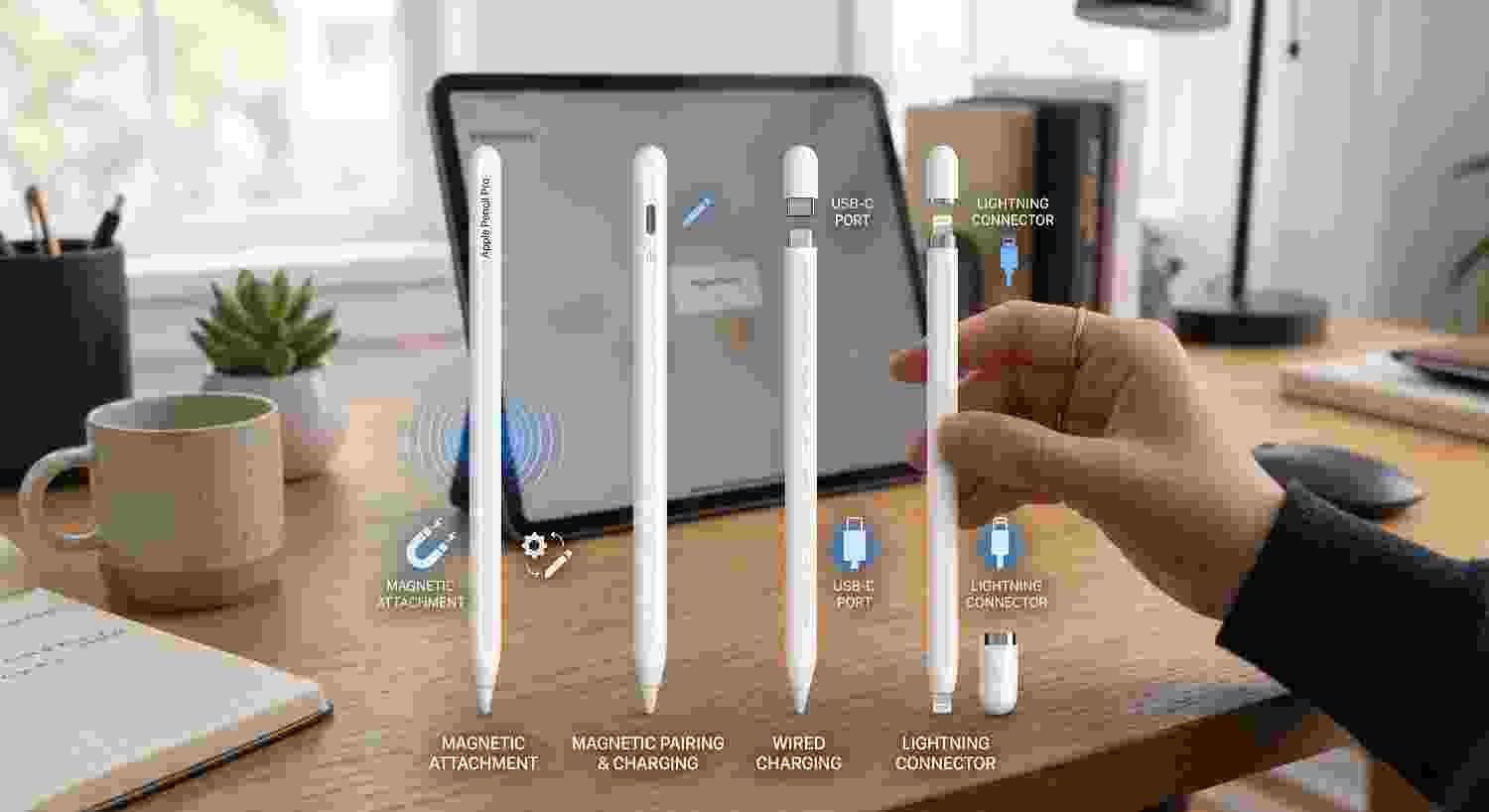
Flip your Pencil around, look at the tip end, that’s step one. Flat magnetic edge, no visible port anywhere? You’ve got either the 2nd-gen or the newer Pencil Pro — and honestly, telling those two apart just by looking is annoying, easiest way is trying the squeeze gesture, since only the Pro responds to that (along with barrel roll, which the 2nd-gen never got). See a cap that slides open to reveal USB-C underneath? That’s the plain Apple Pencil (USB-C), Apple’s cheaper option. Lightning connector hiding under a cap instead? Congrats, you’ve got the original 1st-gen Pencil, the oldest one still floating around out there.
Pro or 2nd-Gen: The Easy Ones
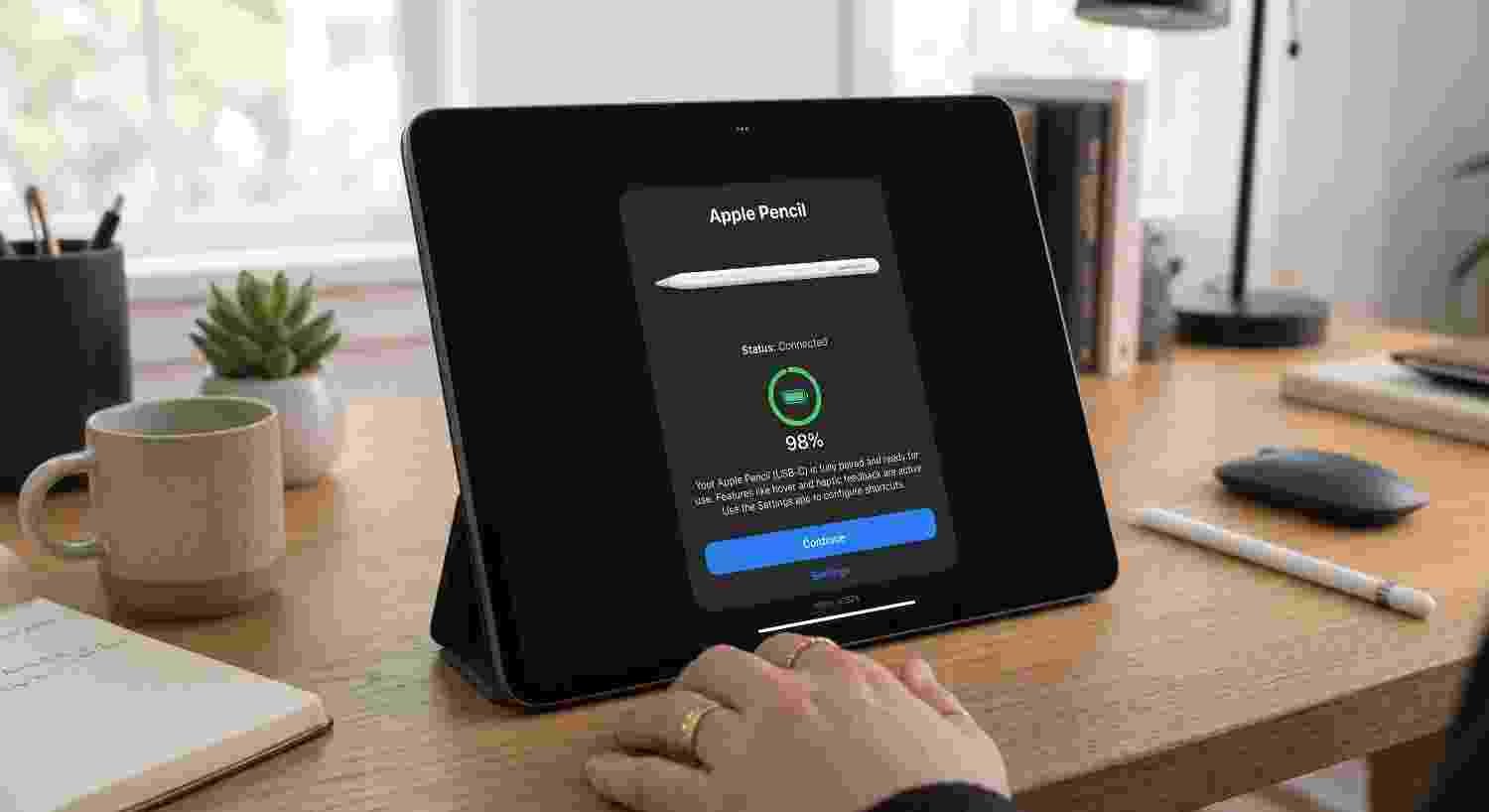
These two are genuinely painless, no cables involved at all. Bluetooth on first — check Settings if you’re not sure. Then just bring the flat side of the Pencil up near the top edge of your iPad, right where the magnets are, and let it snap into place on its own. It really does just click. A little card shows up on screen within a couple seconds; tap Pair (or Connect, wording shifts a bit depending on your iPadOS version) and you’re done, genuinely that fast.
One catch, though — the two aren’t actually interchangeable on hardware, even though they pair the same way. Apple Pencil Pro is newer and only works with an iPad Pro running an M4 chip or later, or an iPad Air on M2 or newer — genuinely recent hardware only. The 2nd-generation Pencil’s been around a lot longer and covers a wider spread: older iPad Pro models going back several years, the 4th and 5th-generation iPad Air, and the 6th-generation iPad mini. So if you’ve got an older-but-still-fairly-recent iPad Pro or Air, magnetic pairing absolutely still works — it’s the base-tier iPads and anything truly old that miss out entirely, not everything short of the newest chip.
The USB-C Pencil: A Little More Manual
Apple’s budget Pencil skips the whole magnetic thing and makes you do a wired handshake first instead. Slide that cap open at the end, you’ll see a USB-C port waiting there, plug in a cable — whatever came with your iPad works fine, nothing special needed. Give it a second, a pairing prompt shows up, tap through it. Once that’s done, you can actually unplug the cable right away — it doesn’t need to stay physically connected to keep functioning, that was just to get the initial handshake sorted.
1st-Generation Pencil: The Annoying One
Oldest model Apple still sells, and yeah, setup here genuinely depends on what iPad you’ve got. Still rocking an actual Lightning port — a few older, cheaper iPad models kept it around — pop the cap off the back of the Pencil, plug it straight in. Wait a few seconds, prompt appears, confirm, done.
USB-C only, which honestly is most iPads at this point? You’ll need Apple’s official adapter — small dongle, sold separately, exists purely to bridge this one gap. Plug the Pencil into that, then run a USB-C cable from the adapter to your iPad. It’s clunkier than it really should be, not gonna lie — kind of a side effect of Apple dropping Lightning faster than it retired the original Pencil design — but it does work fine once you’ve actually got it set up.
Why Not Just… One Pencil for Everything?
Fair thing to wonder, and the real answer’s hardware, not Apple being difficult on purpose. Different iPad generations shipped with different antennas, different sensors, different charging setups built right in — and a Pencil built around magnetic pairing genuinely has no way to talk to an iPad that never had that hardware to begin with. It’s less “Apple wants four products” and more “four eras of iPad hardware need four different ways of doing this,” which, fair enough, is at least a reason rather than just chaos.
When Pairing Just Refuses to Work
Run through these roughly in this order before deciding something’s actually broken:
- Charge it first. Dead battery, no pairing prompt, on literally any model. Simple as that.
- Bluetooth actually on? Settings > Bluetooth. Sounds dumb to mention, gets missed constantly anyway.
- Ditch the case for a second. A thick one, especially with a raised edge, can physically get in the way of the magnetic connection on the Pro or 2nd-gen.
- Forget it and start over. Bluetooth settings, find the Pencil under paired devices, tap the info button, Forget This Device — then reconnect from scratch.
- Restart the iPad. Fixes a genuinely surprising number of stuck pairings that nothing else touches.
- Double-check they’re actually compatible. Not every Pencil works with every iPad, and when they don’t match, you won’t get an error — just nothing happening at all.
Wait, Does This Work on iPhone Too?
Not yet, and honestly, it never has — Apple Pencil’s been iPad-only this whole time. That’s about to change, though, for the first time ever, with the new iPhone Duo, which is set to become the first iPhone that supports Apple Pencil at all, specifically the USB-C version. Not live at launch, though — Apple’s said that’s coming through a software update sometime later in 2026, not day one. Worth knowing if stylus support is actually part of your decision between grabbing the Duo versus just sticking with a regular iPad for notes and sketching.
Does iPadOS 26 or 27 Change Any of This?
Nope, pairing steps are identical either way — same process whether you’re on iPadOS 26 or the newer iPadOS 27 that just shipped alongside iOS 27. What actually did change recently across iPadOS is multitasking, not Pencil stuff at all — if you’re setting up a fresh iPad and actually want to get productive with a Pencil in hand, we’ve got a full split screen guide covering the newer Windowed Apps and Stage Manager setup that replaced the old three-dot menu everyone got used to.
Quick Aside — What Else Shipped This Fall on iPhone
If you’re mid-upgrade-cycle and setting up a Pencil alongside other new Apple stuff, worth a mention: the iPhone 18 Pro and Pro Max launched the same week as iOS 27, now available in four finishes — Black, Silver, Glacier, and the new Burgundy — built on an aluminum frame rather than titanium this year, something we got into more in our iPhone 18 design breakdown. Curious how it actually measures up against last year’s models? Our piece on the iPhone 18 Pro’s exact thickness and weight covers that too. None of it touches Pencil pairing directly, obviously, just useful context if you’re deep in an Apple shopping spree this season.
What’s Samsung Doing Instead?
Quick sideways glance, if you’re not locked into one platform. Samsung’s S Pen, built right into the Galaxy S26 Ultra, skips external pairing entirely — the stylus lives inside the phone itself, works the second you pull it out, no Bluetooth handshake needed for basic input at all, though Bluetooth does power the fancier air-gesture stuff. Genuinely simpler setup than anything on Apple’s side, mostly because Samsung’s building the whole thing into the device rather than selling it separately across a handful of iPad generations that all handle hardware differently.
Quick Reference: Which Pencil Works With Which iPad
| Apple Pencil Model | Connection Method | Compatible iPads |
|---|---|---|
| Apple Pencil Pro | Magnetic snap + Bluetooth | iPad Pro (M4 or newer), iPad Air (M2 or newer) |
| Apple Pencil (2nd gen) | Magnetic snap + Bluetooth | iPad Pro 11-in (1st–4th gen), iPad Pro 12.9-in (3rd–6th gen), iPad Air (4th & 5th gen), iPad mini (6th gen) |
| Apple Pencil (USB-C) | USB-C cable (first pair), then Bluetooth | iPad Pro (all USB-C models), iPad Air (all USB-C models), iPad (10th gen), iPad mini (6th gen) |
| Apple Pencil (1st gen) | Lightning, or USB-C with adapter | iPad (6th–9th gen, native Lightning); iPad (10th gen) with adapter; older Lightning-based iPad Pro models |
Frequently Asked Questions
How do I connect Apple Pencil Pro to my iPad?
Turn on Bluetooth, then attach the flat side of the Pencil to the magnetic edge of a compatible iPad Pro (M4 or newer) or iPad Air (M2 or newer). Tap Pair when the prompt shows up.
Does the 2nd-generation Apple Pencil also pair magnetically?
Yes. It uses the same magnetic snap-and-pair method as the Pencil Pro, but it works with a wider, older range of iPads — including iPad Pro models going back several generations and the 4th and 5th-generation iPad Air.
Why won’t my Apple Pencil pair with my iPad?
Usually comes down to a few things — dead battery, Bluetooth off, incompatible Pencil-and-iPad pairing, or a case blocking the magnetic connector. Try charging it, checking Bluetooth, and pulling off any case before assuming it’s broken.
Can I use a 1st-generation Apple Pencil on a USB-C iPad?
Yes, but you’ll need Apple’s official USB-C to Apple Pencil Adapter to make it work, since the Pencil itself only has a Lightning connector built in.
Will Apple Pencil work with the iPhone Duo?
Eventually, yes. USB-C Apple Pencil support is planned for the Duo, but it’s arriving through a software update later in 2026, not available right at launch.
How do I know which Apple Pencil I actually have?
Check the tip end. Flat magnetic edge means 2nd-gen or Pro. A cap that opens to USB-C means the USB-C model. A cap over a Lightning connector means it’s the original 1st-generation Pencil.
This article reflects Apple’s officially published Apple Pencil compatibility and pairing information as of September 20, 2026.